Media Innovation Services Guide
The SHSU Online Media Innovation team brings educational content to life. Let us help engage students with compelling video content, animations, or imagery throughout your online course. You can use information from this document to familiarize yourself with Media Innovation’s capabilities in enhancing online courses with multimedia content.
Offering a wide range of services, our team can scale its efforts to meet the needs of creators who wish to utilize our skills and resources. These include the areas of video production, lecture capture, captioning services, graphic design services, and others.
How Can We Help?
When creating your courses, you may find yourself in need of support with a wide array of instructional media and services. SHSU Online Media Innovation is here to help you meet your course development needs!
I Need To…
Video Services
Lecture Booth
Point of Contact: Jessie Hobson
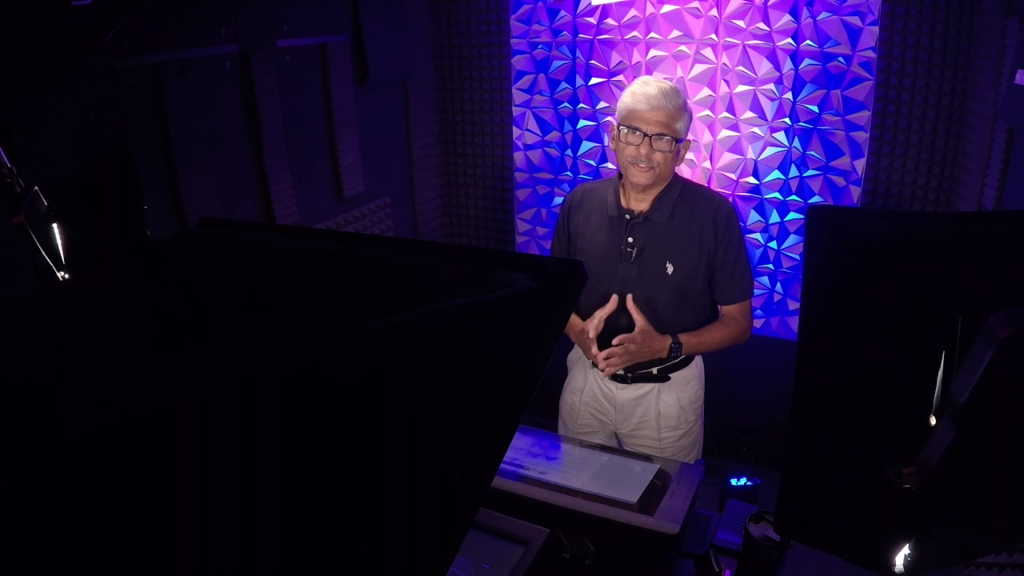
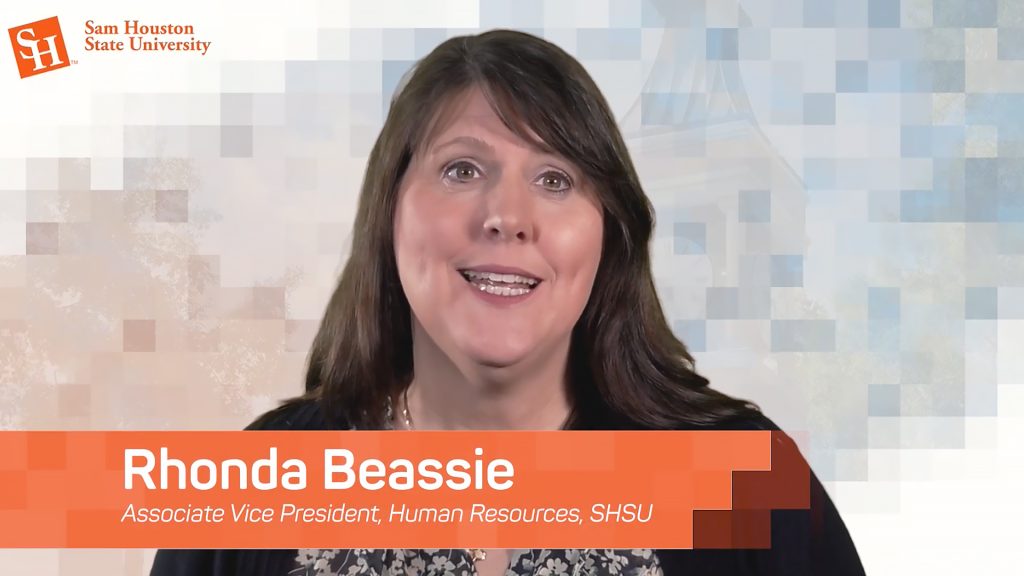
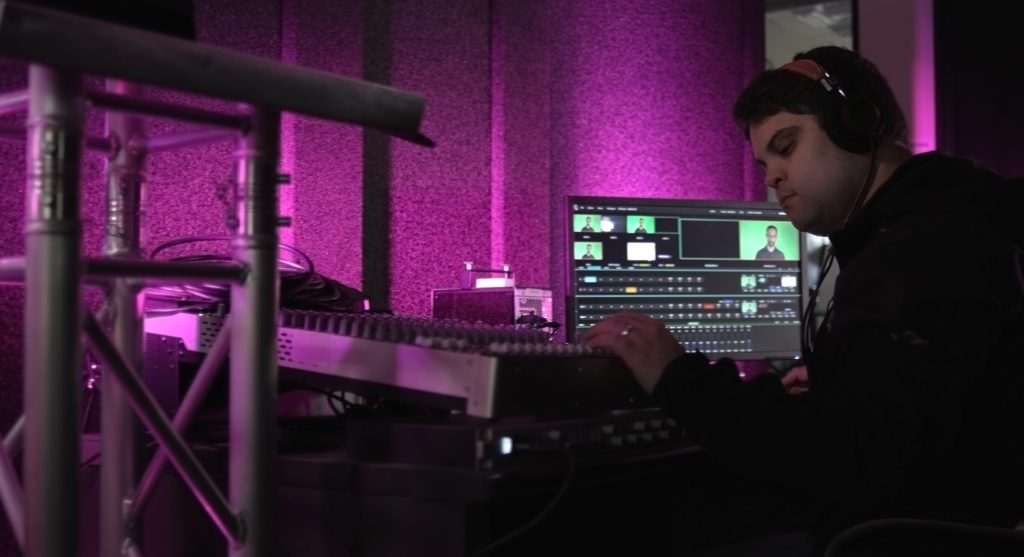
Located in our offices at University Plaza Suite 102, the sound-isolated lecture booth provides all the tools you’ll need for well-produced lecture videos. In this studio, we specialize in rapid video creation, supporting your preparation and collaboration to make creating engaging lecture videos a smooth, low-stress process.
Podcast Studio
Point of Contact: Jessie Hobson
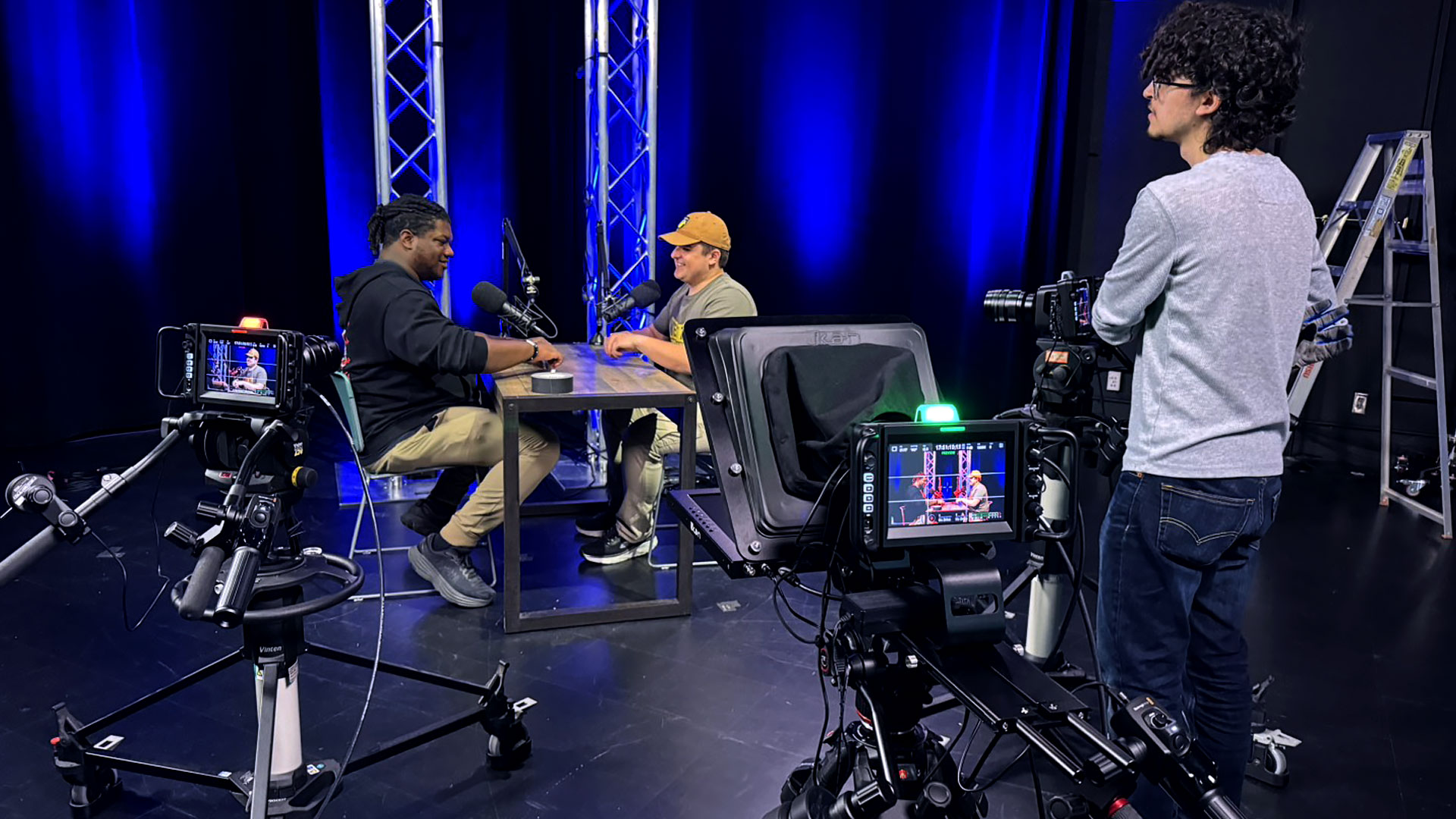
Our studio is fully equipped for professional, two-to-three-person podcasts, and can be decorated to match your theme. We handle all the technical details, from equipment and recording to editing and delivery, so you can focus entirely on your content and guests.




Full-Production Studio
Point of Contact: Nat Conner
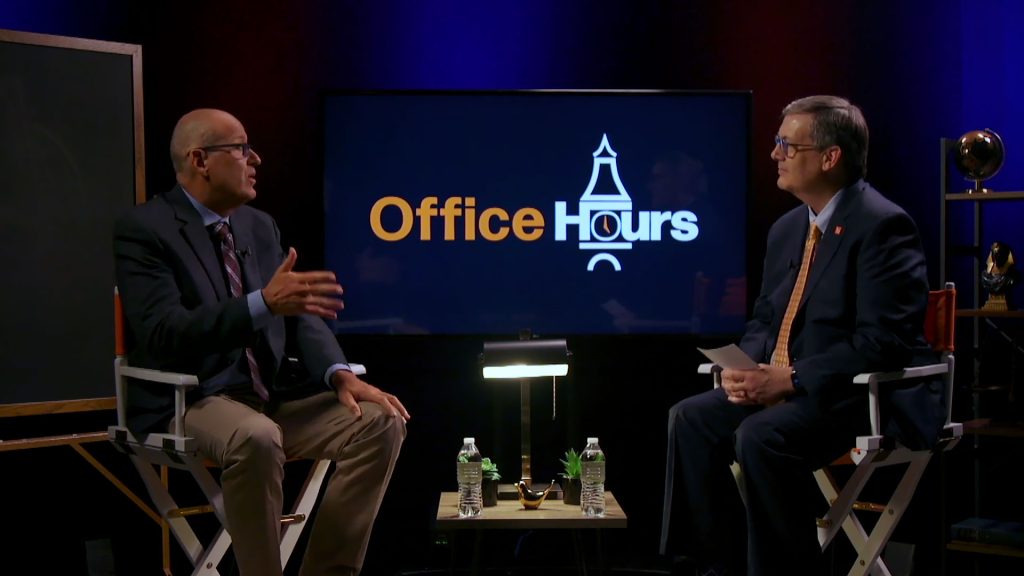
This studio is a dedicated, multi-camera space with a changeable set, built specifically for recording premium educational content and live broadcasts. Content created here takes a deeper, more involved approach than standard recordings. SHSU Online partners with faculty through a complete filmmaking process, covering everything from pre-production planning to final post-production enhancements like motion graphics and music.


In-Class Recordings
Point of Contact: Jessie Hobson
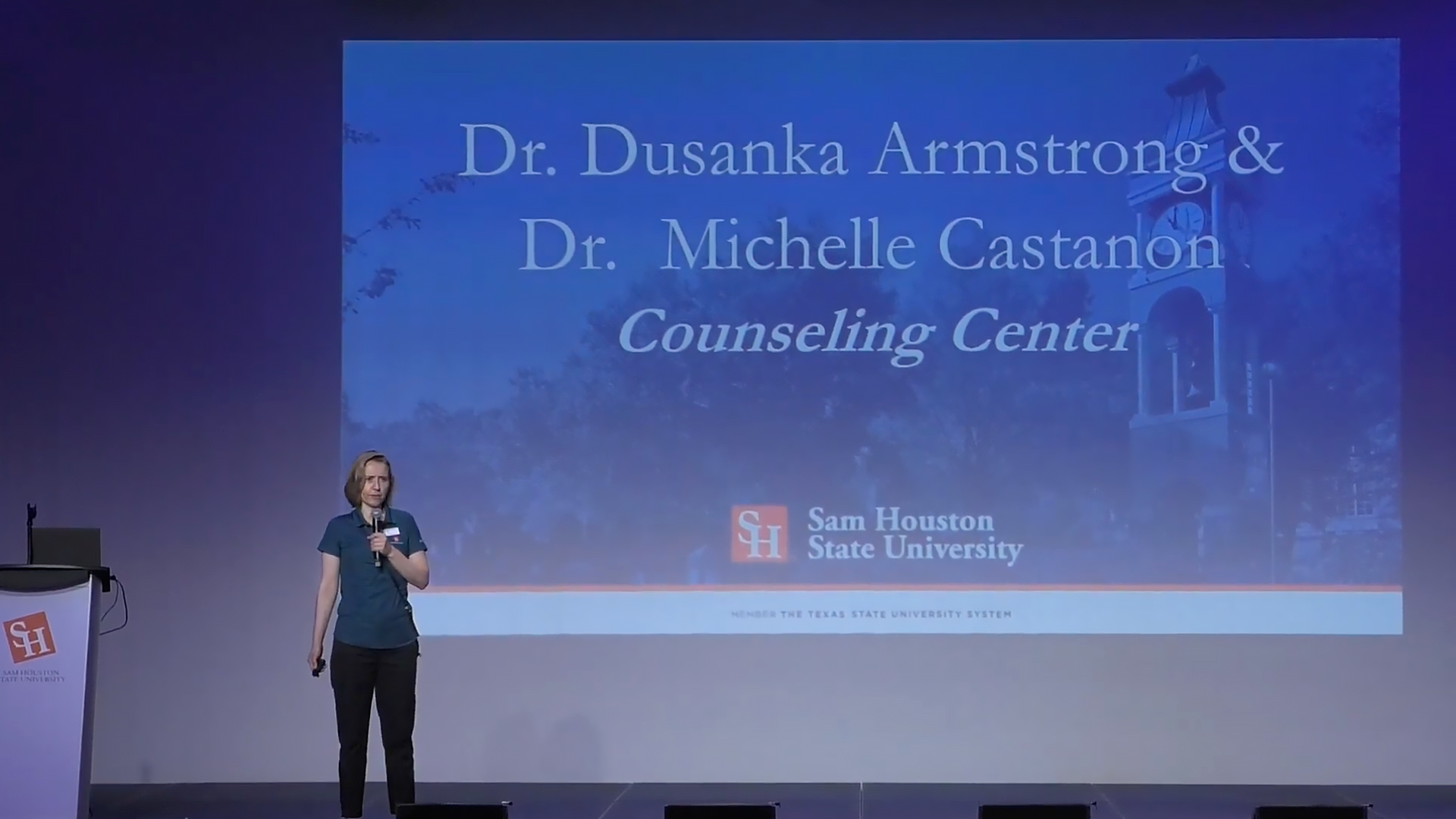
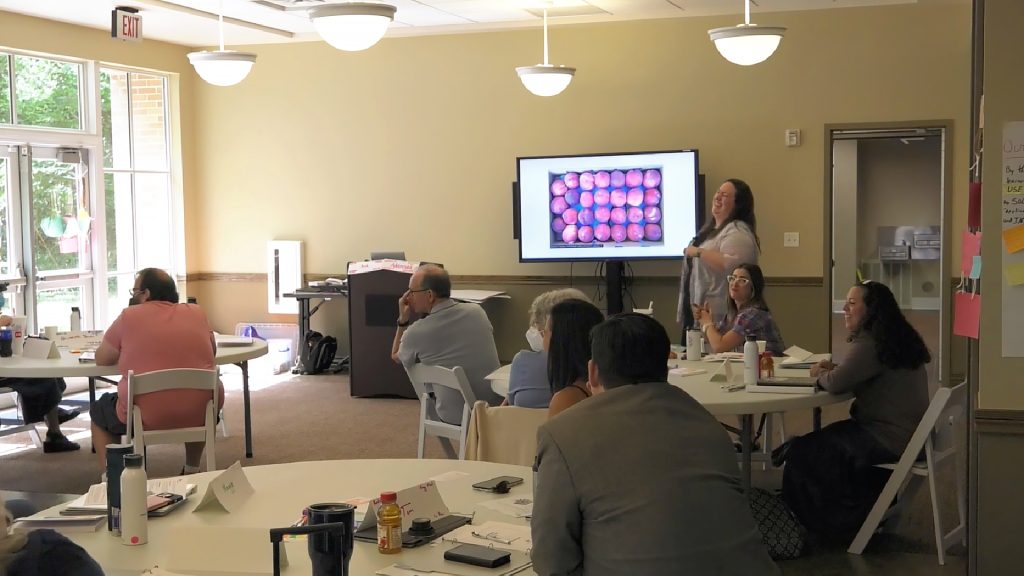
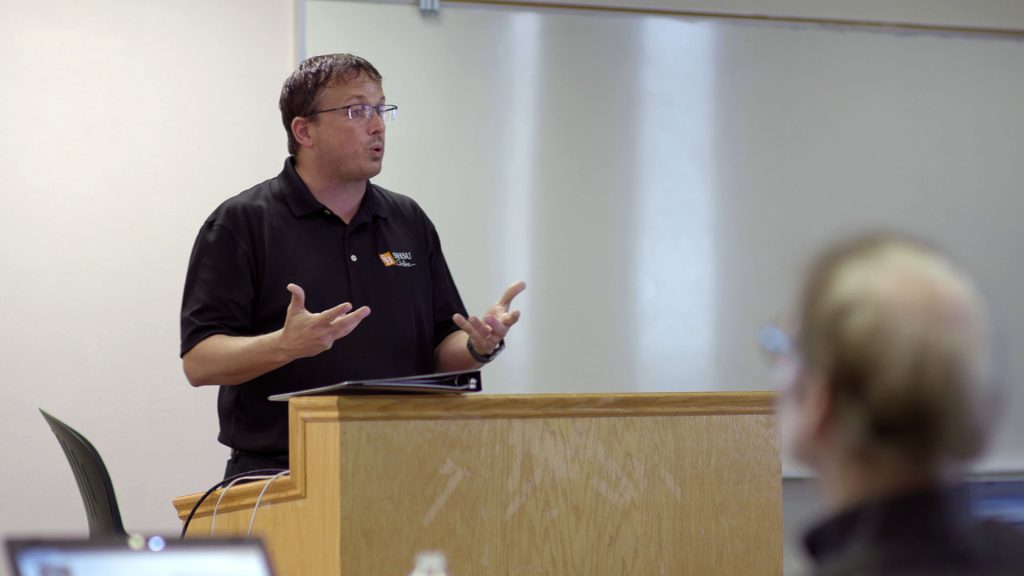
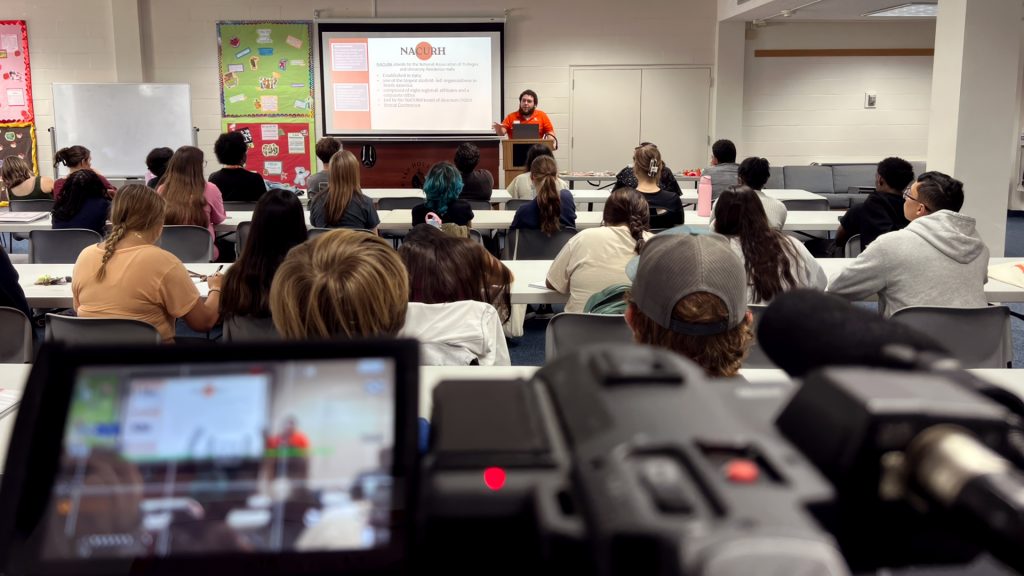
We can assist you in class recordings as well. A lot of the components mentioned in the lecture capture section above still apply, and like most productions, preproduction is still key. The more information you can provide leading up to the event, the better we can assist you.
Field Production
Point of Contact: Nat Conner
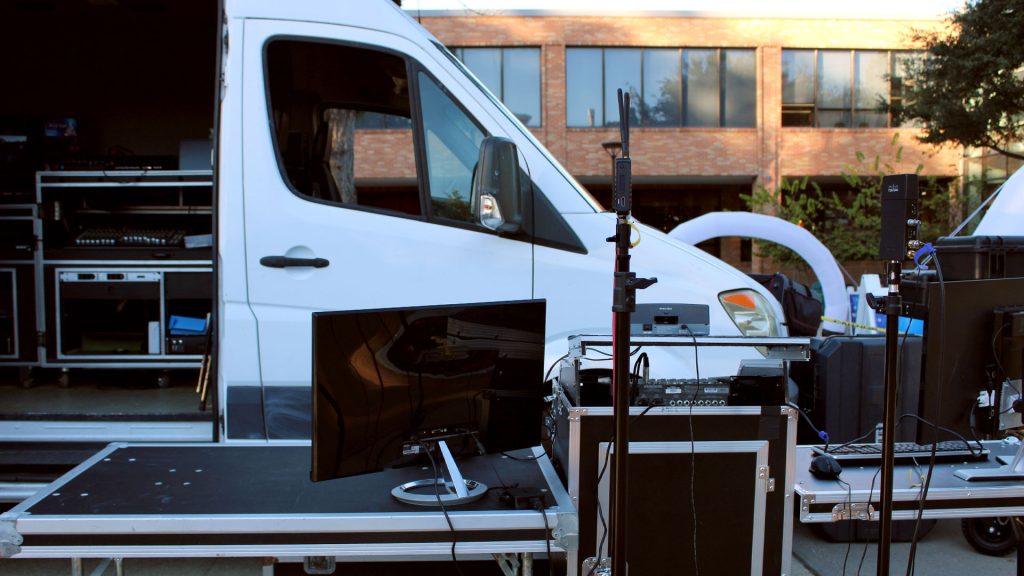
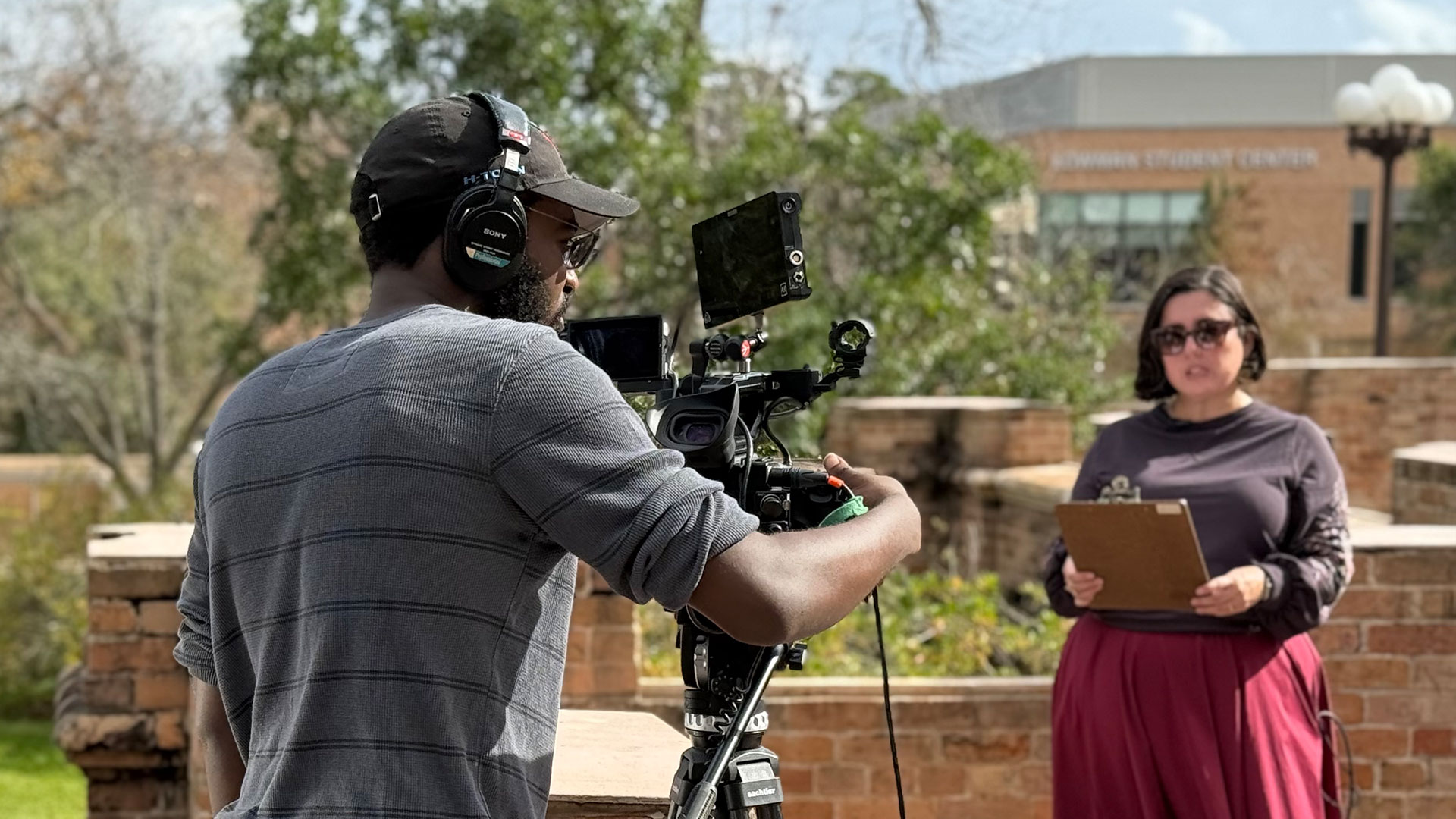
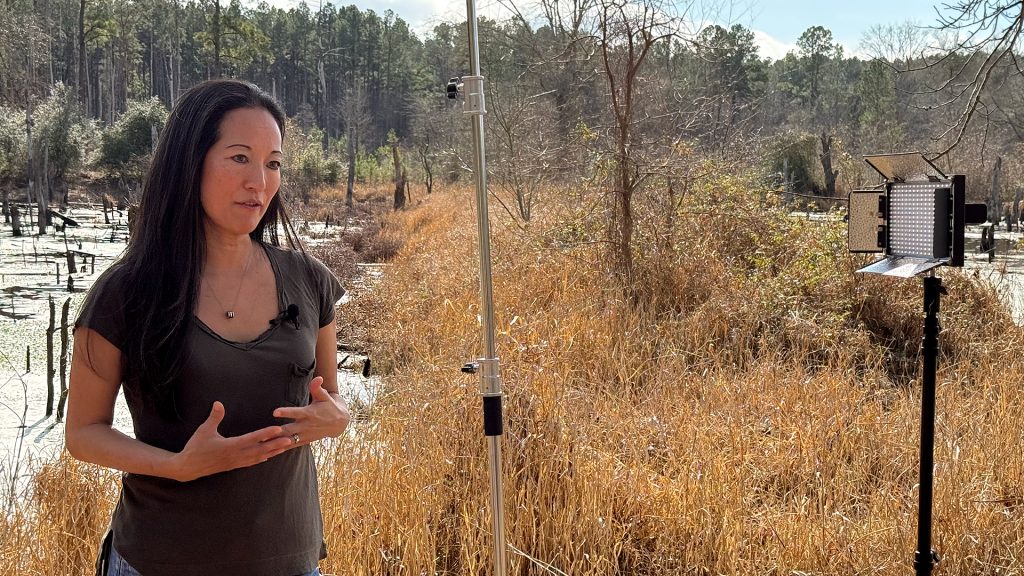
Filming on location is a great way to add visual interest to your project. While shooting outside the studio introduces unique variables that require more upfront planning, we provide full field production services to handle the logistics and bring your vision to life.


Video Best Practices
Point of Contact: Nat Conner
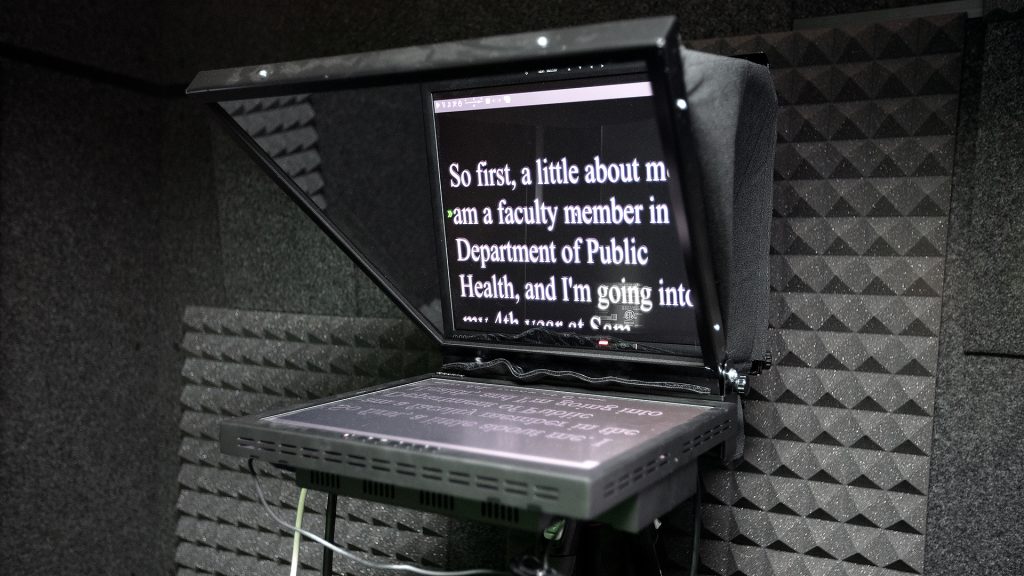
We have collaborated with faculty for years to produce thousands of pieces of instructional media, and we are eager to share that experience with you. Explore the sections below for our top video creation tips and best practices.



Captioning
Kaltura REACH
Point of Contact: Jessie Hobson
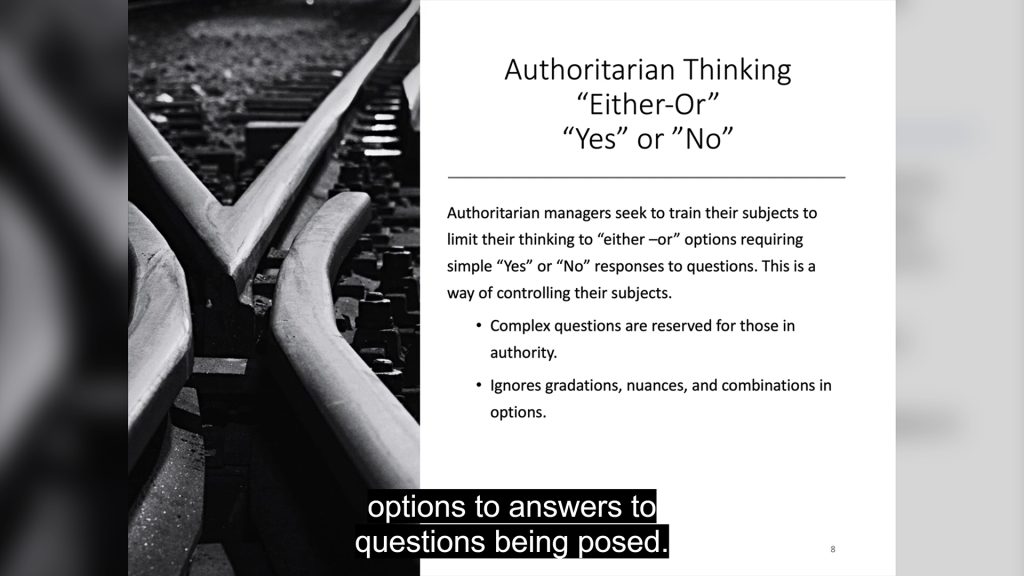
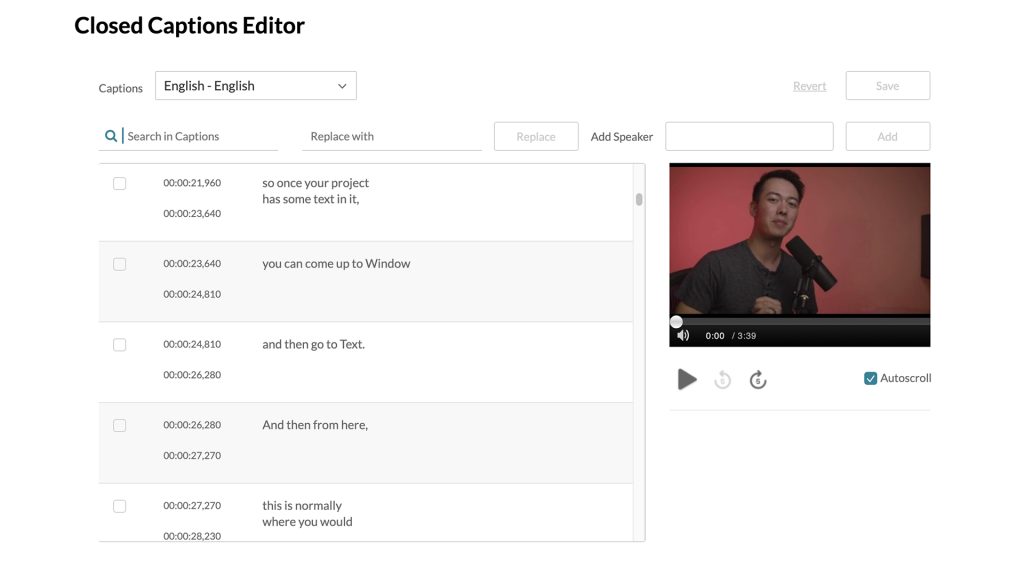
To improve accessibility in our online courses, all Blackboard users now have access to Kaltura REACH. This new feature seamlessly and automatically generates captions for every video uploaded to your Kaltura My Media page, requiring no additional steps or input.
Capabilities of REACH
- Auto-captions usually generate in minutes (but may occasionally take a few hours).
- Captions are ~85% accurate and can be easily fixed using the My Media Closed Captions Editor.
- You can upload multiple caption/transcript formats (SRT, DXFP, VTT, TXT) to let viewers toggle between languages.
More information about editing captions on Kaltura can be found here.

Design Services
Graphic Design Requests
Point of Contact: Dane Classen
We supply faculty with high-quality graphic resources and self-service SharePoint templates to enhance the online teaching and learning experience. Delivery timelines range from one week for standard banners and templates, to several weeks for animations and design consulting, with schedules for complex projects determined during the planning phase.



Self Service
Kaltura
Point of Contact: Nat Conner
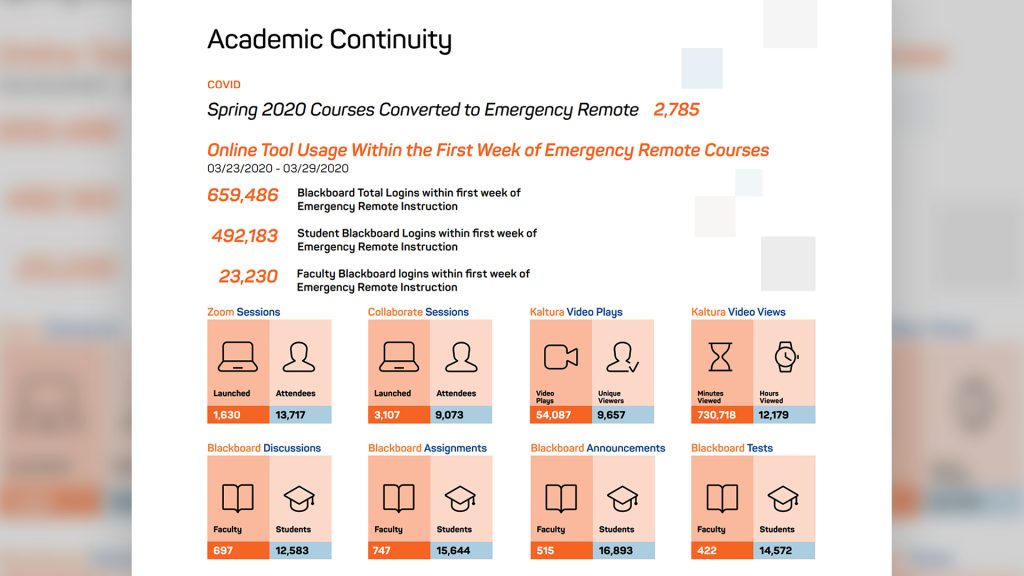
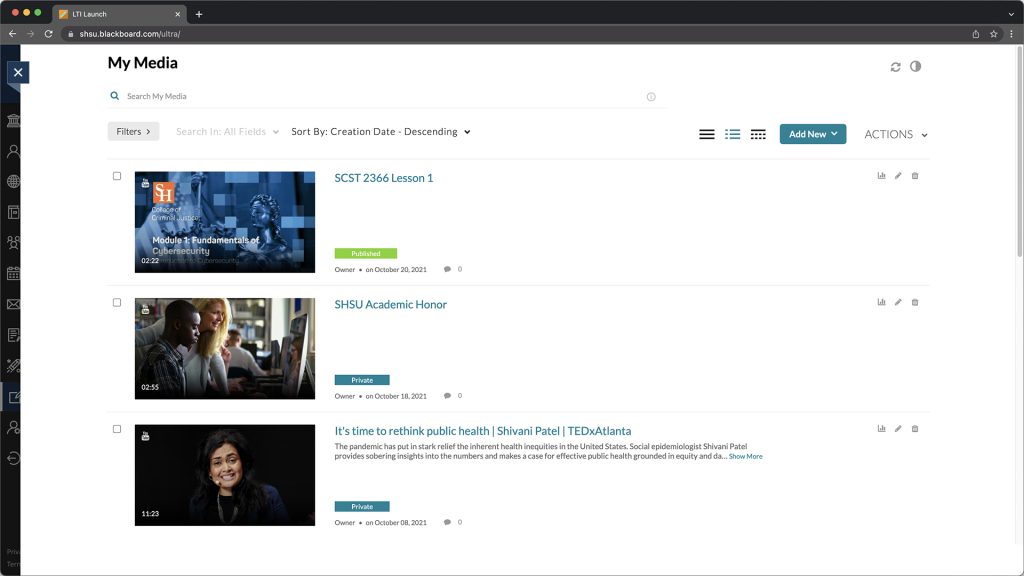
Kaltura is SHSU Online’s streaming video platform. It works similarly to other video platforms like YouTube, but is used exclusively for Sam Houston faculty, staff, and students. Kaltura is very flexible and can interpret and play many file types in different browser environments. There are many reasons to use Kaltura over other services when uploading videos you have created for your course.
Creating a Library
Most instructors use a mix of videos they self-produce and videos that SHSU Online helps them create. If you use SHSU Online’s lecture capture or video production services, you will receive and place the video in your course through Kaltura. Managing your videos is easier when they are all in the same place, so we also recommend uploading any self-produced videos to Kaltura.
We Can Help
Our team has direct access to videos hosted on Kaltura and is ready to assist with complex editing or redesigning graphic elements. We are happy to help with any editing or postproduction, even for self-produced videos.
Tools For Designers
Point of Contact: Maxwell Giddens
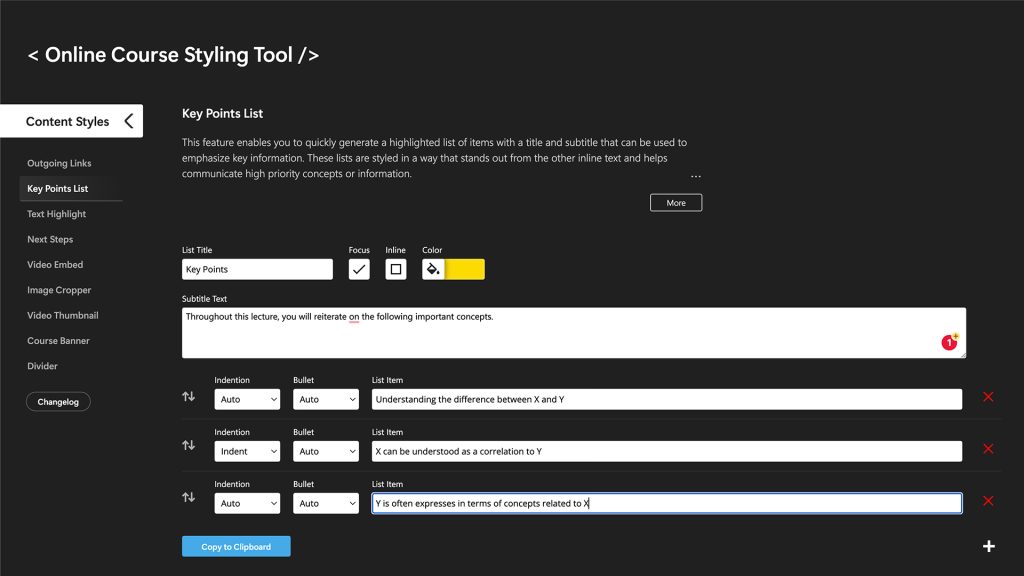
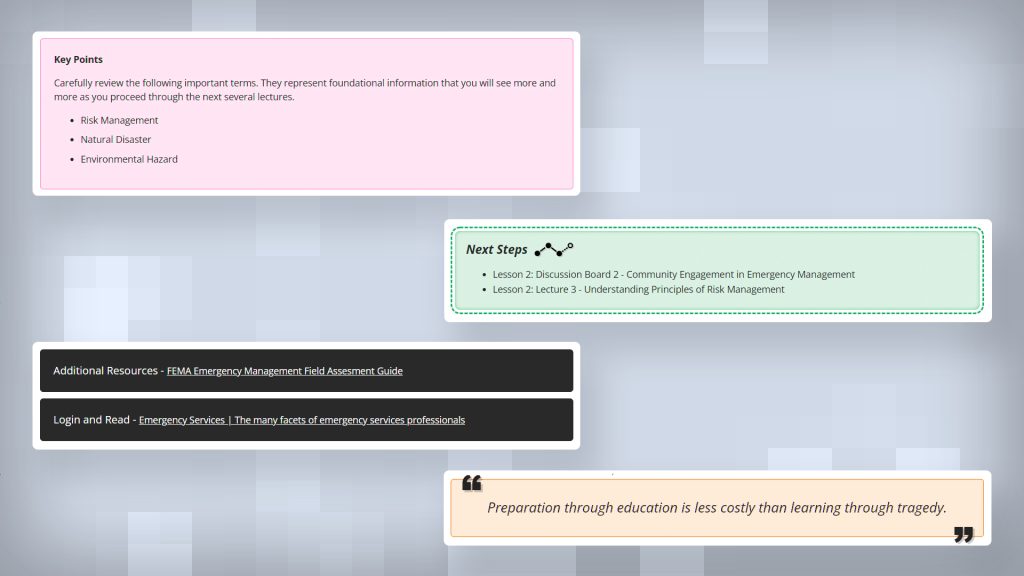
To elevate your online instructional content, the Media Innovation team has created a custom web-based application called the Online Course Styling Tool. It enables users to seamlessly apply consistent, attractive visual stylings that add instructive context and visual interest to their course materials.
Text Content Styling
While Blackboard Ultra provides basic text formatting, it often lacks the deep customization needed to present course content as effectively as a structured textbook. To bridge this gap, the Media Innovation team uses the Online Course Styling Tool to bypass these default limitations and apply advanced, highly organized, and readable textbook-level stylings to your materials.
- Outgoing Links – Button-like styling for links that take a student to content outside of Blackboard
- Key Points – A titled list of key information, sometimes including a subtitle
- Content Highlights – Outlined boxes that can contain important information, quotes, or questions
- Section Headings – Headings that break lecture documents into digestable sections
- Next Steps – Boxes with distinct styling that lay out what to do once a lecture is completed
- Basic Image Cropping – Crop images to predetermined sizes that work well within Blackboard
- Full-width Video Embeds – Embedded videos that fit the full width of a blackboard document
If you need help while using the Online Course Styling Tool, you can find helpful tips and text explanations for each section at the top of the web page.
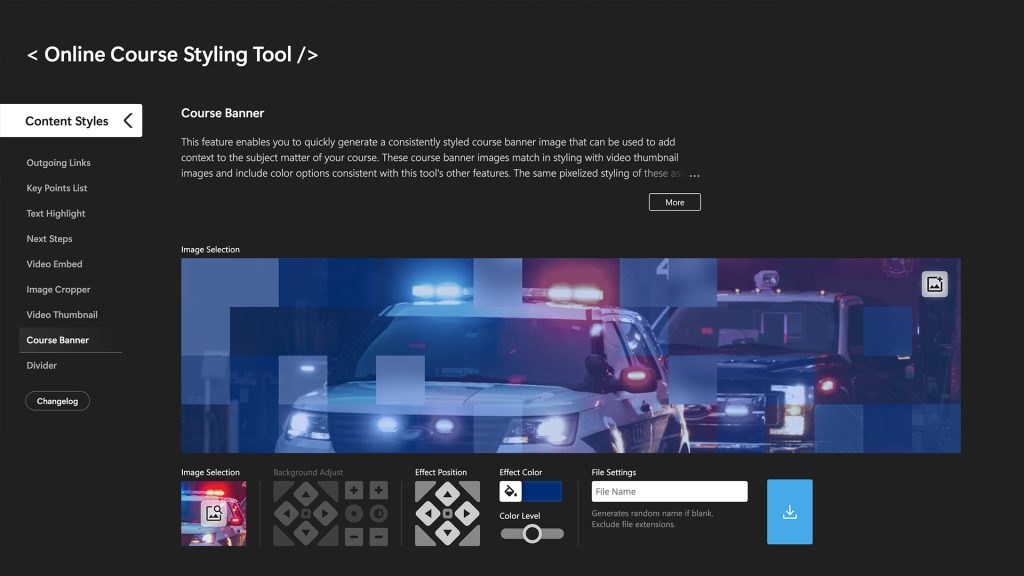
Course Banners
To visually identify your course, you can use the Online Course Styling Tool to create custom banners. These feature SHSU Online’s signature “pixel” styling and color overlays, helping your course stand out in the selection menu while establishing a cohesive visual identity for your materials.
If you are unable to find an appropriate option from the available selection of images, you may now upload an image from your computer to temporarily use in the tool during your current session.

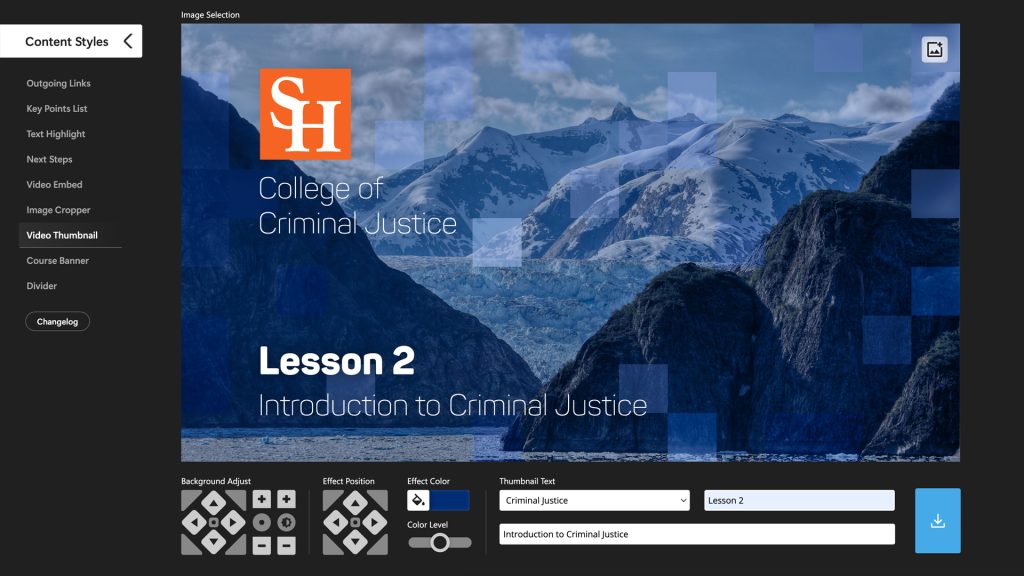
Video Thumbnails
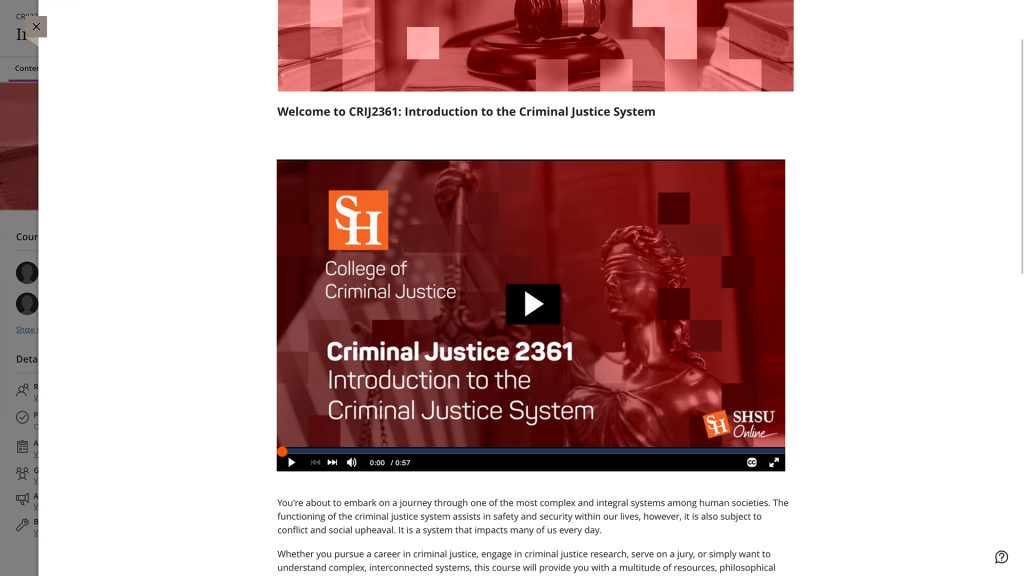
The Online Course Styling Tool features a thumbnail creator to quickly generate cohesive “poster images” for your instructional videos. This ensures your thumbnails perfectly match your course banners and text stylings for a unified visual identity.
Applying thumbnails to your videos is a straightforward process that can be done in just a few steps.
- Go to the “Tools” section of the left-hand navigation in Blackboard and choose “Kaltura My Media” from the menu.
- Find the video to which you want to add a thumbnail and click the pencil icon on the far right of the video list item. (If you have a large library, you can use the search bar at the top of the page to locate specific videos.)
- On the “Edit Video” screen, go to the “Thumbnails” tab located below the video and select “Upload Thumbnail” to choose your thumbnail image file.
Design Resources
Point of Contact: Dane Classen
Creative Cloud
With Adobe Creative cloud you can:
- Design posters, infographics, and other educational graphics
- Edit photos and videos with professional grade tools
- Create appealing presentations and reports
Help installing Creative Cloud
Follow the relevant link below for information on how to install Creative Cloud:
Storyblocks
SHSU Online now features a premium library of over one million royalty-free stock assets through Storyblocks, including high-quality images, video, audio, and templates. Faculty are welcome to browse the catalog to find the perfect media for their courses; simply contact your SHSU Online instructional designer to have your selected assets downloaded.
Royalty Free Resources
Royalty-free images can be used freely across websites, publications, and presentations without the need to secure individual permissions, negotiate licenses, or worry about copyright infringement.
Options for royalty free images
Below are a few websites that offer large collections of royalty-free images. It is important to note that some of these images may require attribution, so be sure to check the specific terms and conditions of each image before using it.
A Note About Copyright
If you are unsure whether an image or other content you intend to use in your course may potentially infringe on copyright, please refer to the following resources for guidance.
More about copyright & fair use
- Copyright and Fair Use Guide: shsulibraryguides.org/copyright
- Fair Use Tools and Resources: shsulibraryguides.org/copyright/fairuse
- TSUS Policy & SHSU Policies: shsulibraryguides.org/copyright/shsu
- SHSU Designated Copyright Agent: shsu.edu/intranet/policies
If you have questions about copyright and fair use related to teaching or research at SHSU, please reach out to the Scholarly Communications Librarian.
News
SHSU Online Newsletter
Point of Contact: Maxwell Giddens
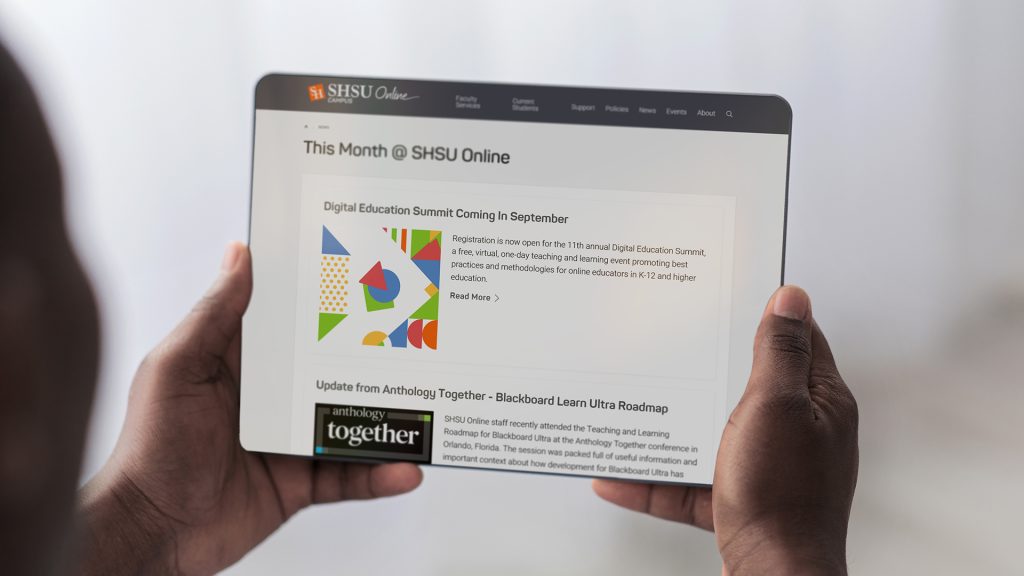
The SHSU Online Newsletter keeps the university community connected to the latest in digital education. Written by our instructional designers and staff, each issue delivers practical teaching insights, Blackboard updates, emerging technology news, and faculty spotlights. Brought to life by the Media Innovation team, this quarterly publication translates technical expertise into an engaging, easy-to-explore resource designed to support your instructional success.
Live Broadcast
Live Events and Streaming
Point of Contact: JT Bounds
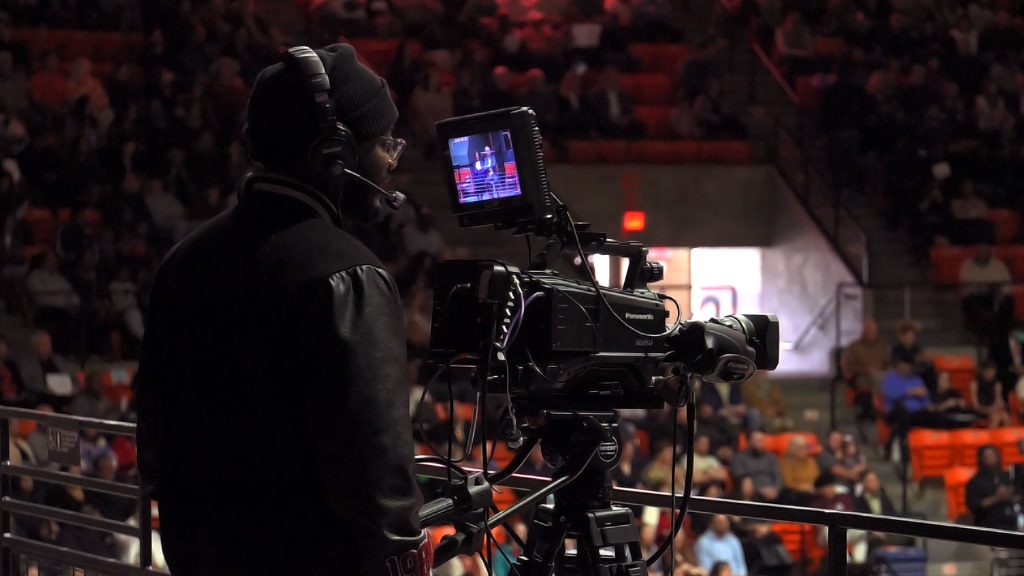
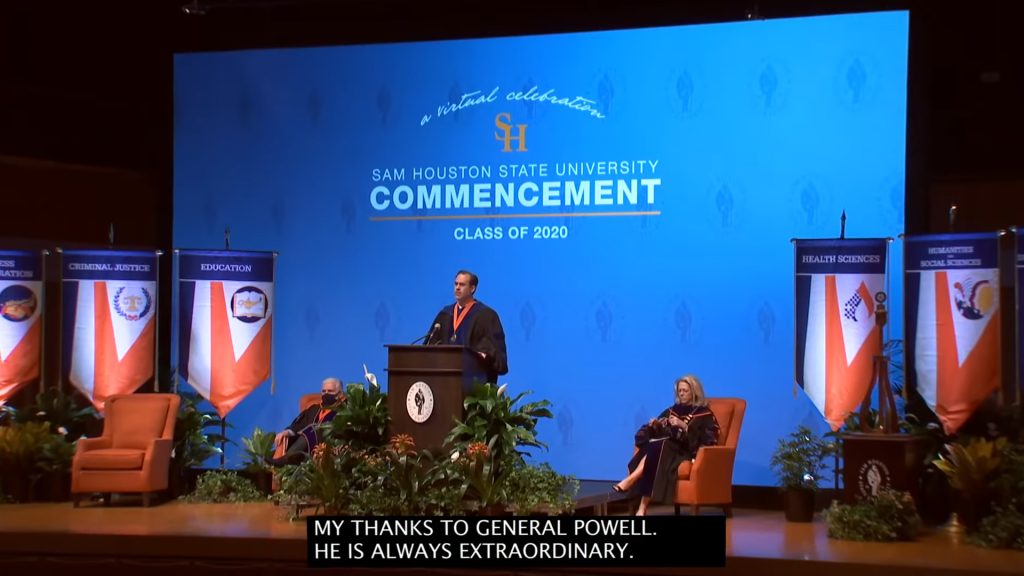
SHSU and higher education have moved into more accessible and open discussion driven initiatives, SHSU Online has adapted to help accommodate many forms of event-based and streaming content. Here at SHSU Online, we are here to help bring ideas to life and help departments and colleges understand what they want and/or need from their events or streams. This guide will help individuals break down their ideas and try and answer questions that individuals might not know to ask, as well as give ideas about what else might be possible or needed.
We recommend that initial contact to SHSU Online occurs as soon as possible so that all the wants and needs can be met, as well as giving the team ample time to work through the planning and logistics of making an event or stream happen.